
[ G.X. de Ruiter ]


FLARE
Flare - the Space Exploration RPG
Loading image, please wait..


Roles:
-
Technical Designer, Team Lead & Producer on a a space exploration game
-
Open World Level Design & Planet Biome Creation, using procedural generation tools provided by the programmers
-
Gameplay coding (C#)
-
UI Design & Implementation
-
Animation, using Unity's in-built systems
Game Description:
Flare is an hommage to the Retro RPG game "StarFlight". This game has the player explore a procedurally generated universe, drilling resources and selling them to buy precious items such as fuel and ship upgrades.
Platform:
PC (Windows)
Engine:
Unity3D
Language:
C# (Unity)
Tools used:
Unity, Visual Studio
Duration:
8 weeks (2015-2016)
Team size:
8
Current status:
-
Project delivered to teaching staff

First Game Project:
Flare was the first game project I worked on in a multi-disciplinary team at Breda University of Applied Science. Without much training I was tasked with being one of only two designers, as well as the team lead and producer for our team (consisting of: 2 designers, 3 programmers, 3 artists).
Despite our extreme time limitation, we managed to deliver a working prototype of the core game loop, procedural planet generation, flying onto and exploring planets, resource drilling, and marketplace with purchasable upgrades, pleasantly surprising the teaching staff.
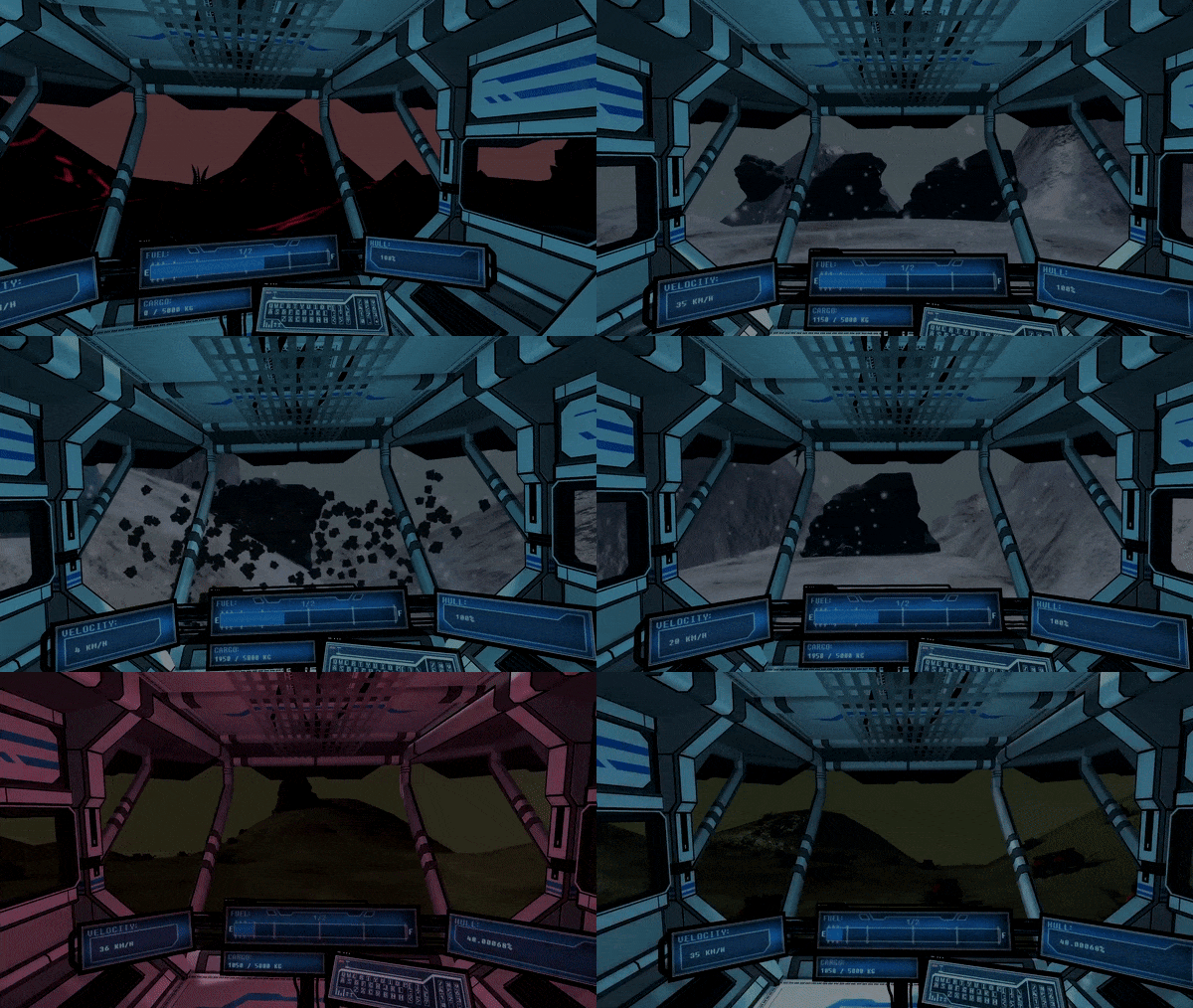
Image: Gameplay on various planet biomes (driving the rover, drilling, low hull integrity alarm)
Coding & Prototyping (C#)
I prototyped the resource drilling mechanic, balanced variables of the drivable rover, and coded some parts of the game in C#, such as the main menu logic, cutscenes, and audio implementation. Below is an example of the main menu code. In hindsight and with more experience, I would have coded things completely differently now, but at the time it was a good first attempt at just getting things to work.

Procedural World Design:
The game is fully procedural - meaning each playthrough takes place in a differently generated solar system, with new planets, environments and drillable resources. In modern days you might consider this game to be what No Man's Sky might have been like in its prototype stage (although No Man's Sky didn't exist yet when we created this)
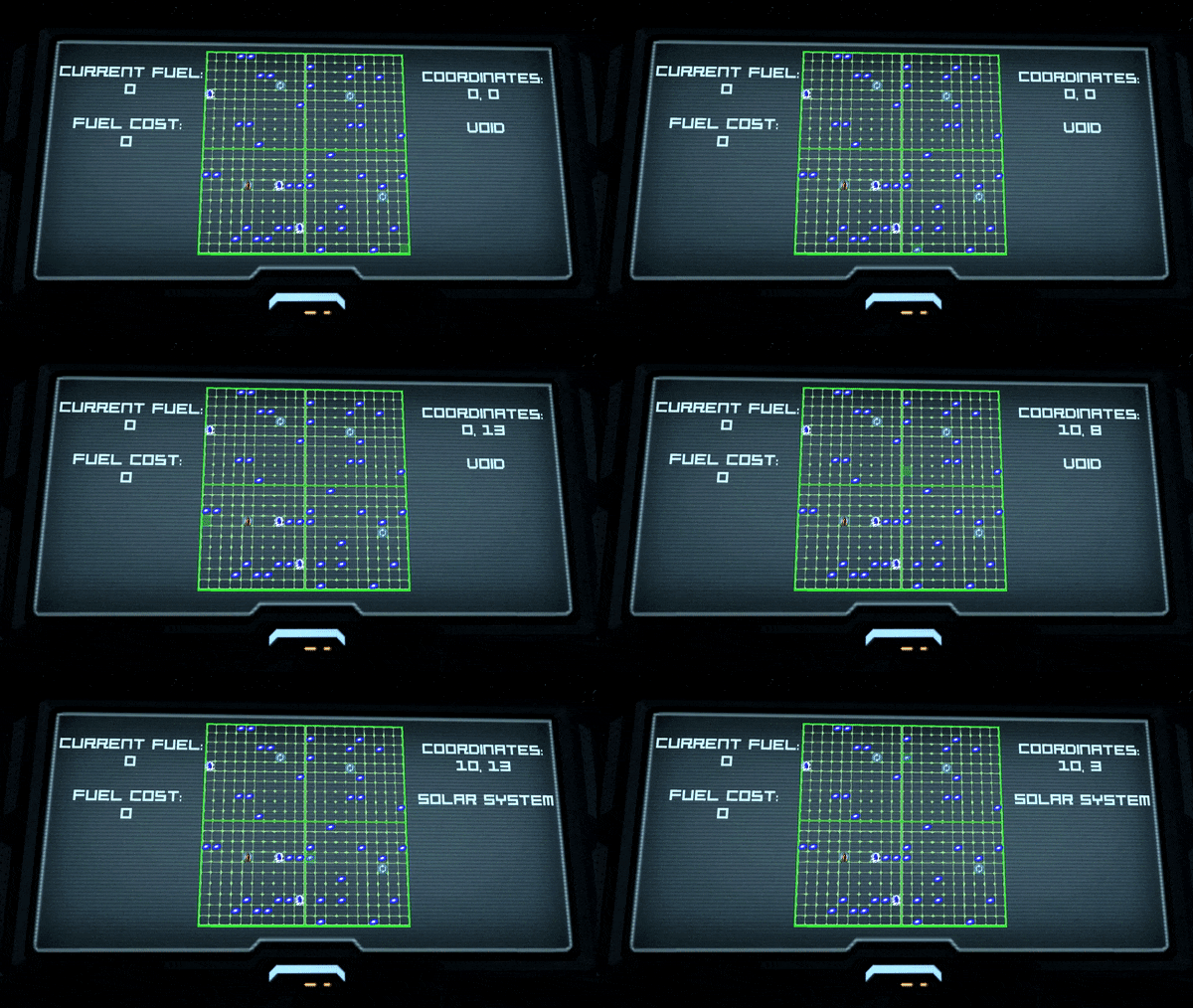
Image: Solar System selection (different each playthrough)
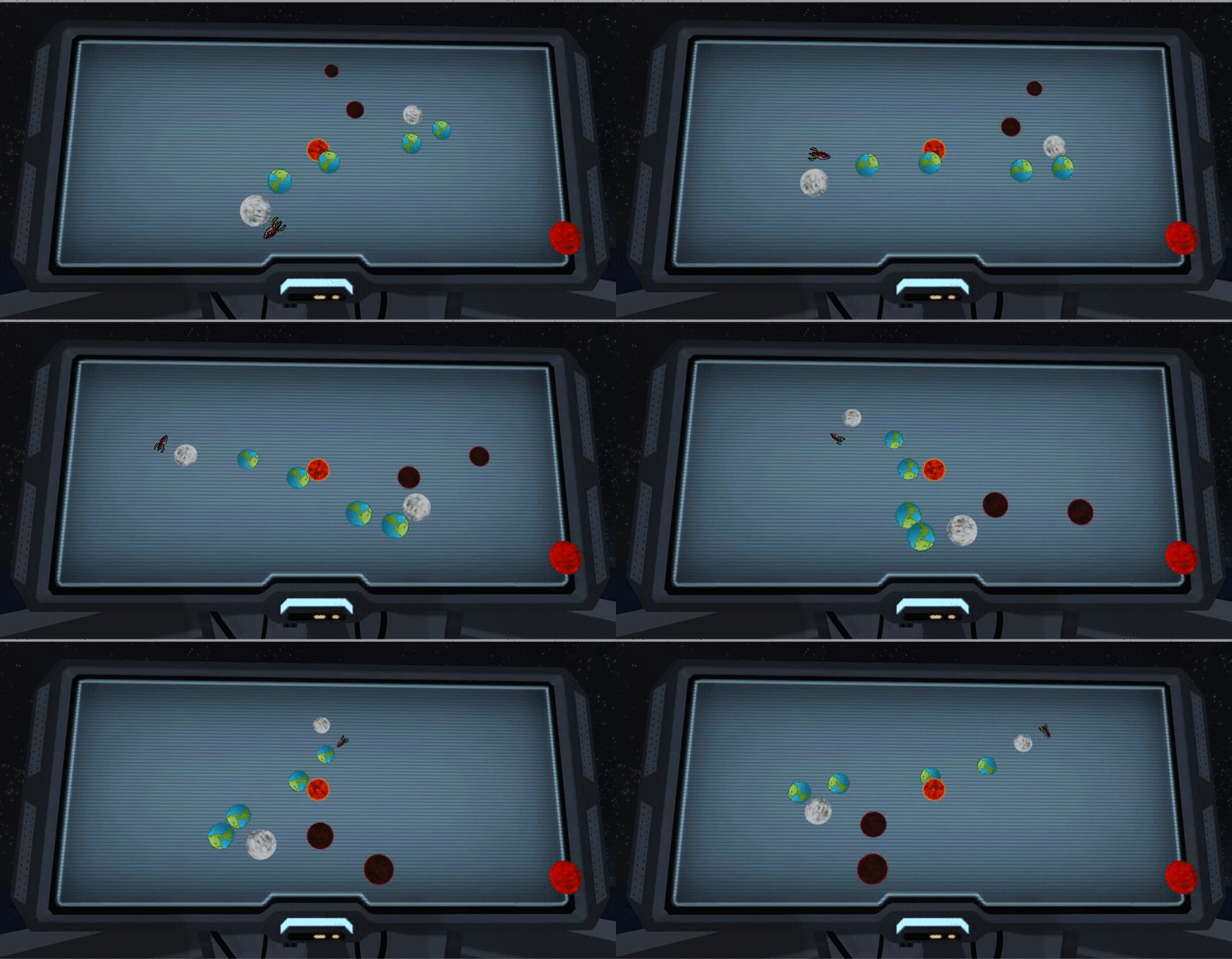
Image: Planet selection in a selected Solar System
Procedural Worlds - Planet generation:
I designed the requirements for all of our procedural generation in the game, and set up and tweaked all the generation parameters once they were implemented by the programmers.
In the case of planets terrain:
-
Octaves (0-6): Average amount of times a hill is spawned
-
Multiplier (0-100): How those hills are smoothened out over the planet
-
Amplitude (0-1): How high those hills can be
-
Lacunarity (0-5000): Creation of hills on top of hills

Image: Procedural planet generation variables
Procedural Worlds - Resources & Set Dressing:
I set up all the randomized object spawning across the planets of every biome. This included the various resource drilling spots, but also all the decorative assets such as plants.
Object spawning setup included:
-
Prefab: The prefab to spawn
-
Mode: Random (randomly scattered objects) or grouped (randomly scattered groups of objects)
-
Seed (0- 2147483647): Which seed of the random generation to use
-
Chance (0-1): How much the value in the “Samples” field can fluctuate. For example, a value of 0.9 means the amount of samples can fluctuate to 10% under or 10% above
-
Samples (0- 2147483647): How many objects, or how many groups of objects to spawn
-
Group Chance (0-1): how much the value in “Group Samples” can fluctuate
-
Group Samples (0- 2147483647): how many objects to spawn inside one group
-
Group Range (0- 2147483647): The distance between objects inside one group

Image: Procedural asset placement variables
Player space ship / hub:
I whiteboxed and set dressed the space ship, which the player starts out on and returns to after each planet exploration. On the spaceship is a control room from which missions are started, and a marketplace computer where the player can sell resources and buy upgrades and fuel.
The back sections of the ship were meant for features we ended up cutting from the game due to time constraints - such as recruitable ship NPCs.


Images: Player spaceship pictures
Animation:
I hand-keyed several animation sequences for the game, most notably:
-
Main menu camera sequence
-
Game start intro cutscene with tutorial dialogue
-
Entering and leaving the control chair on the space ship action (first person camera and chair animation)
-
Arriving on planets with the rover (parachute sequence)
I also implemented animations delivered by the artists:
-
Opening the marketplace computer
-
Opening/closing spaceship doors

Image: Example animation keying
UI:
I designed all the UI for the game's shops, inbox, and main menu. Due to time constraints I used a bit of an unorthodox method, making use of Vegas Pro video editing software to create the UI and export the images. This worked out quite well as I was already extremely familiar with this software.

Image: Example of my UI design


Lead & Producer role:
As designated team lead and producer for the team, I handled things like:
-
General direction of the project
-
Tough decisions like scope cuts
-
Pitch and progress presentations to the teaching staff and rest of our year's students
-
Team bonding & solving conflicts between members
-
Task scheduling & Scrum process
Our team included 2 designers, 3 programmers, and 3 artists.

Documentation:
Below is some documentation I created for university evidencing purposes.